The Diecast Zone · Model Car Club Since 1994
Diecast Collector Forums
Eight forums, every scale, and thirty years of shop talk — new arrivals, restorations, reviews, and the finds you won’t see posted anywhere else, with the full archive back to 2002 restored and searchable. Free to Register.
8Forums
195,000+Topics
1,276,000+Posts
10,000+Members
Notifications
Clear all
Forum 18
6
Posts
4
Users
6
Reactions
1,486
Views


Topic starter
28/01/2022 8:40 pm
@gavin, thanks. Yes, it seems we can post a link to a third-party hosting site but not import an image directly from our computer or phone.
John Kuvakas
Warrenton, VA
Marty Johnson and Marty Johnson reacted
Topic starter
29/01/2022 10:04 am
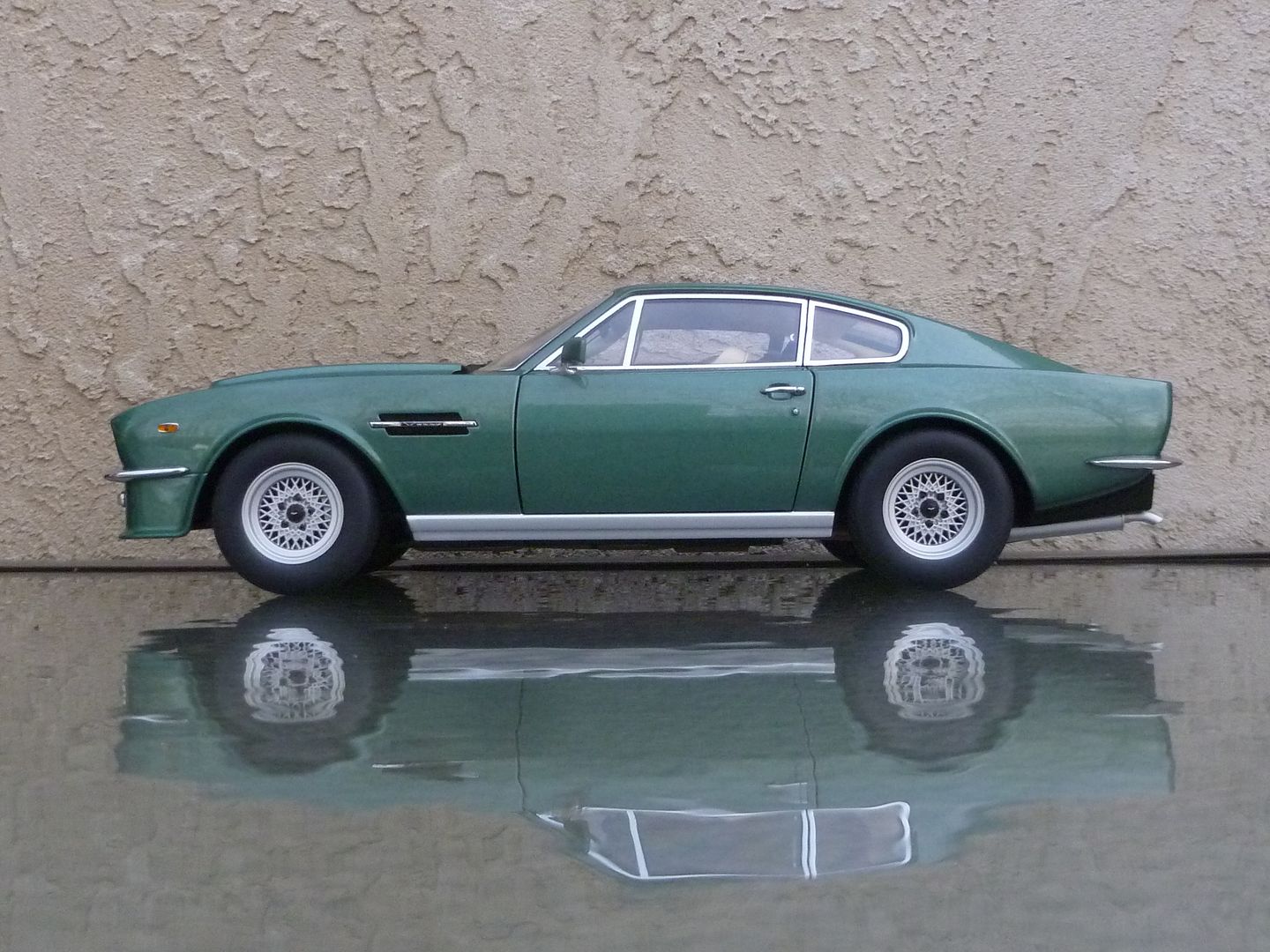
Here's an easy way to insert an image from a website into your post.
- Right-click on the image
- Click on "Copy web address" or some reasonable facsimile
- Paste that code into your post (you can right-click, then "paste" or simply hit "cntrl" & "v" at the same time)
Unfortunately, this will not work on images stored on your computer or phone. Nor does it work on all images on websites. But, it will work on most.
John Kuvakas
Warrenton, VA

02/02/2022 5:07 pm
Test
Attachment removed

02/02/2022 10:29 pm
- Thank-you Michelle !